
Lenovo confirms Legion Go issues after gamers report bricked devices
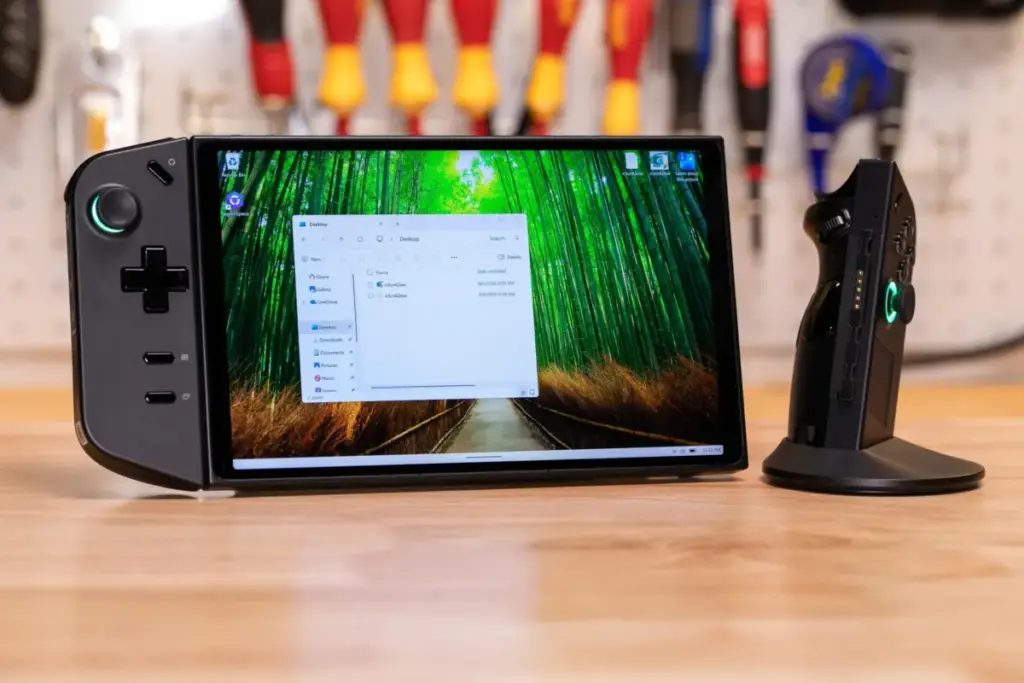
When a faulty corporate software update turns a high-end consumer electronic device into an expensive, unresponsive paperweight, who should shoulder the financial burden of the fix?
For modular computing pioneer Framework, the answer is straightforward: if the company’s update breaks your machine, the repair is on them. But as computing and hardware giant Lenovo grapples with a burgeoning crisis surrounding a botched BIOS update for its popular Legion Go handheld gaming PC, consumers are discovering that the industry standard is far less forgiving.
Weeks of mounting user complaints, growing community panic, and reports of near-$300 out-of-warranty repair bills have finally forced Lenovo to break its silence. Yet, the company’s initial response has left many users unsatisfied, raising critical questions about corporate responsibility, warranty limitations, and consumer rights in an era where software patches can permanently neutralize expensive hardware.
Executive Overview
The unfolding controversy centers on BIOS version V42 (N3CN42WW) for the original Lenovo Legion Go 8APU1 handheld gaming console. Released quietly via Lenovo’s support website rather than through automated channels like Windows Update or the Legion Space application, the firmware update was intended to refine system performance. Instead, for an unlucky subset of users, the installation process resulted in a permanent "brick"—leaving devices trapped in a continuous boot loop, displaying a perpetual black screen accompanied by an ominous red LED light.
As frustrated owners took to Reddit and official support forums to share tales of corrupted units and steep repair estimates, the spotlight turned directly onto Lenovo’s customer service and hardware warranty policies. While competitors like Framework have set a precedent for unconditional accountability when software updates go awry, Lenovo’s initial stance has been far more ambiguous.
This report provides a comprehensive examination of the Legion Go BIOS V42 debacle. We will explore the chronology of the crisis, analyze official statements from Lenovo representatives, review hands-on testing data from industry journalists, and evaluate what this incident means for the broader debate over consumer hardware durability and repair rights.
Detailed Chronology: From Silent Release to Community Outcry
The timeline of the Legion Go BIOS V42 crisis highlights a classic disconnect between rapid digital distribution and the sluggish mechanics of hardware troubleshooting and customer support.
Phase 1: The Quiet Rollout
Over a span of roughly two months, BIOS version V42 (N3CN42WW) sat quietly on Lenovo’s official support and driver download portal. Because it was not distributed through standard, automated conduits like Windows Update or the proprietary Legion Space utility, downloading and installing the file required a deliberate, manual effort from the user. For most, firmware updates are a routine maintenance procedure aimed at boosting stability or thermal management. However, this particular package harbored a critical flaw.
Phase 2: The First Casualties and Community Alarm
The first major public warning signs emerged on Reddit communities such as r/LegionGo. Users began reporting that their systems were failing mid-update or refusing to boot afterward. Screenless devices, unresponsive power buttons, and terrifying boot loops became the primary topics of discussion.
As affected owners began reaching out to Lenovo’s official support channels, the reality of the situation set in. One prominent Reddit user shared a formal repair quote totaling nearly $300 for a device that had been rendered useless not by user error, water damage, or physical drops, but by an official manufacturer-supplied firmware file.
Thread after thread popped up detailing black screens, frantic troubleshooting attempts, and hefty repair bills. Yet, for weeks, official acknowledgment from Lenovo corporate leadership was conspicuously absent, leaving consumers to navigate the crisis through peer-to-peer advice on online forums.
Phase 3: Pulling the Plug and Shifting Stances
Facing mounting press inquiries and escalating community backlash, Lenovo quietly removed the V42 BIOS from its support website. The removal confirmed what many had suspected: the file was problematic. However, the company initially refrained from issuing a proactive public recall notice or offering broad guarantees to cover out-of-warranty repairs.
Instead, the response trickled out piecemeal through official corporate statements to tech publications and isolated forum posts by customer support representatives—setting up a confusing narrative about who would ultimately pay to fix the broken handhelds.

Official Statements and Conflicting Messages
As tech media outlets began probing for answers, Lenovo provided an official statement through communications director Jeff Witt. Simultaneously, internal forum communications began to leak, painting a complex and somewhat contradictory picture of corporate policy.
The Official Corporate Statement
Lenovo’s official commentary, delivered to outlets like The Verge, sought to downplay the crisis while providing basic troubleshooting steps for affected users:
"Lenovo is aware that some Legion Go devices may experience a blank screen during installation of BIOS version V42. BIOS V42 was not distributed through Windows Update or Legion Space, and Lenovo has removed the update from its support website while we continue our validation work. Users who have successfully completed the V42 update should not need to take further action at this time.
If a device encounters a blank screen during V42 installation, users may try pressing and holding the power button for approximately 10 seconds, waiting approximately one minute, and then powering the device on again. If the device does not resume normal operation, customers should contact Lenovo Support for further assistance.
Lenovo continues to evaluate and validate future BIOS updates for Legion Go."
While the instructions to hold the power button for 10 seconds offered a glimmer of hope for minor freezes, they offered little comfort to users whose EEPROM chips had been fundamentally corrupted and required physical motherboard replacement or reprogramming.
The Forum Discrepancy: "Daniel_Legion Speaks"
Adding to the confusion, a Lenovo employee operating under the handle "Daniel_Legion" weighed in on an official Lenovo community forum thread. In a post addressing a user whose device was suffering from a boot loop, red LED, and black screen, the representative offered a more reassuring—albeit legally cautious—perspective:
According to Daniel_Legion, devices experiencing the issue "should be repaired free of charge" if they are currently covered under warranty. More intriguingly, regarding out-of-warranty hardware, the employee stated that they should also be repaired free of charge, but added the significant caveat: "please check local laws."
Analyzing the Ambiguity
While Daniel_Legion’s comments suggested that Lenovo recognizes the unfairness of charging customers for manufacturer-induced software bricks, the phrasing is far from a rock-solid guarantee. Relying on local consumer protection laws—which vary wildly between the United States, the European Union, Australia, and other jurisdictions—leaves international consumers in a legal gray area. Furthermore, because Daniel_Legion’s posting history was sparse, tech journalists and consumer advocates immediately pressed Lenovo corporate for a definitive clarification: Will Lenovo formally extend its warranty terms to cover all devices damaged by bad BIOS updates, regardless of their standard warranty status? At the time of writing, a definitive corporate confirmation remains pending.
The Mystery of the Selective Brick: Hardware Variance and Testing
One of the most baffling elements of the Legion Go BIOS V42 fiasco is its erratic nature. Not every original Legion Go 8APU1 owner who installed the update experienced catastrophic failure. In fact, many users updated their systems without incident, raising questions about what triggers the bricking effect.
A Journalist’s Hands-On Risk Assessment
In an act of journalistic risk-taking, tech reviewers decided to test the "forbidden" BIOS V42 on review units after Lenovo had pulled it from public servers.
Describing the process, reviewers noted a long, agonizing sequence consisting of:
- Sudden black screens that lasted several minutes.
- Flashing progress bars and warning prompts.
- Intermittent reboots.
After a tense six-minute waiting period, the test units successfully booted into Windows. Remarkably, the update even resolved minor pre-existing bugs, such as enabling users to log into Windows directly by typing a PIN using the built-in gamepad controls—a feature that had previously been unresponsive.

The Root Cause: Hardware Batching and Variance
Why did some units survive while others were turned into expensive bricks?
According to insights shared by Daniel_Legion on the company forums, internal diagnostic testing yielded inconsistent results. While a regional engineering team in Europe was able to reproduce the bricking issue on 100% of the test devices they evaluated (three out of three), other testing teams around the world could not replicate the failure at all.
This discrepancy strongly points to component variance. It is widely suspected that Lenovo sourced motherboards or specific integrated circuits (such as flash memory or embedded controllers) from multiple suppliers during the manufacturing run of the Legion Go 8APU1. Devices featuring specific component batches reacted catastrophically to the V42 firmware instructions, while others processed the update cleanly.
Industry Standards: Framework vs. Traditional Giants
The Legion Go crisis has reignited a broader industry debate regarding corporate responsibility for software-induced hardware failures. When a company’s proprietary code destroys a product, where does the moral and financial obligation lie?
The Framework Model
In stark contrast to Lenovo’s cautious and legally hedged responses, modular laptop startup Framework has established a consumer-friendly benchmark. When a recent software/BIOS update for their AMD-powered laptops resulted in bricked computers, Framework proactively stepped forward to assure customers that all necessary fixes and hardware replacements would be handled completely free of charge, regardless of warranty nuances.
Framework’s philosophy is rooted in repairability, transparency, and trust. By absorbing the cost of their own engineering oversights, they foster immense brand loyalty among early adopters and tech enthusiasts.
The Traditional Corporate Playbook
Legacy tech giants, by contrast, frequently hide behind rigid warranty fine print. Terms of service agreements often contain clauses that disclaim liability for software updates gone wrong, placing the onus on the consumer to prove that the manufacturer was at fault.
Tech analysts argue that this approach is increasingly untenable in the modern gaming handheld market. Devices like the Legion Go, ASUS ROG Ally, and Valve Steam Deck occupy a hybrid space between traditional PCs and dedicated home consoles. Consumers expect the plug-and-play reliability of a console combined with the flexibility of a PC. When a standard manufacturer update bricks such a device, forcing the owner to pay hundreds of dollars for a motherboard replacement damages consumer trust far beyond the immediate financial cost.
Future Outlook and Recommendations for Consumers
As Lenovo continues to evaluate future BIOS updates and processes support claims for affected Legion Go owners, the tech community is watching closely to see how the company handles the fallout.
What Lenovo Needs to Do Next
- Unambiguous Policy Statement: Lenovo must issue a clear, global policy guaranteeing that all Legion Go units bricked by the V42 BIOS update will be repaired or replaced entirely free of charge, regardless of warranty status. Hiding behind "local laws" erodes consumer confidence.
- Transparent Post-Mortem: Releasing a detailed technical explanation of why the V42 update conflicted with specific motherboard components would reassure users that the underlying engineering flaw has been thoroughly understood and resolved.
- Streamlined RMA Processes: Lenovo should establish a dedicated, expedited support pipeline for V42-related bricking incidents to minimize turnaround times and eliminate administrative friction for frustrated gamers.
Advice for Legion Go Owners
- Check Your BIOS Version: If you own an original Legion Go 8APU1, verify your current BIOS version. If you are already running V42 and your system is functioning normally, Lenovo’s official stance is that no further action is required.
- Avoid Unofficial Mirrors: Do not attempt to download BIOS V42 from third-party driver archives or unofficial file-sharing sites, as the file remains unstable for certain hardware revisions.
- Know Your Rights: If your device was bricked by an official Lenovo download and you are being quoted a repair fee, reference local consumer protection laws and persistently escalate your case through official support channels, citing manufacturer liability for defective software patches.
Conclusion
The Lenovo Legion Go BIOS V42 controversy serves as a cautionary tale for the entire consumer electronics industry. As devices become more complex and software updates more deeply integrated into fundamental hardware operations, manufacturers can no longer afford to treat firmware bugs as routine clerical errors.
While hardware variance and supply chain complexities can explain why a bug manifests selectively, they do not excuse passing the financial penalty onto the consumer. By following the leadership of companies like Framework and absorbing the costs of their own digital missteps, legacy giants like Lenovo can protect their reputation, respect their customer base, and uphold the basic principle that when a company breaks your computer, fixing it shouldn’t cost you a dime.