Breathing Life into Homebrew: How a Developer Optimised a Godot 2D Game for the Nintendo Switch
Executive Overview
The journey of porting independent video games to constrained hardware platforms is fraught with technical hurdles, unexpected bottlenecks, and humbling performance realities. For indie developers working outside the traditional publishing ecosystem, the Nintendo Switch represents both an alluring frontier and a formidable engineering challenge. While the console’s hybrid architecture has proven capable of running sprawling, complex 3D titles with appropriate downscaling, porting simple 2D projects can sometimes yield shocking performance deficiencies.
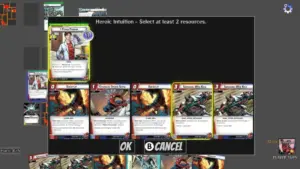
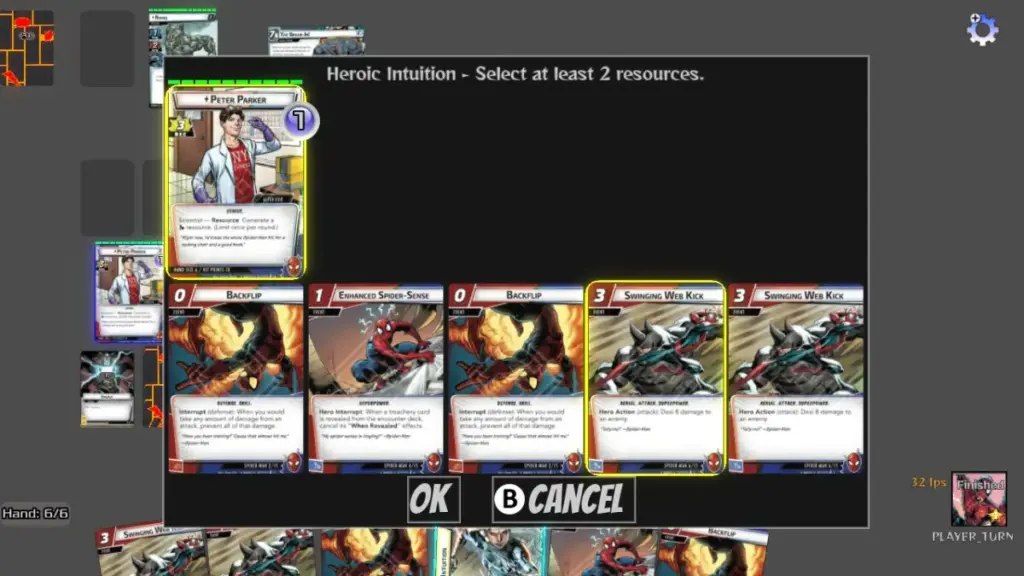
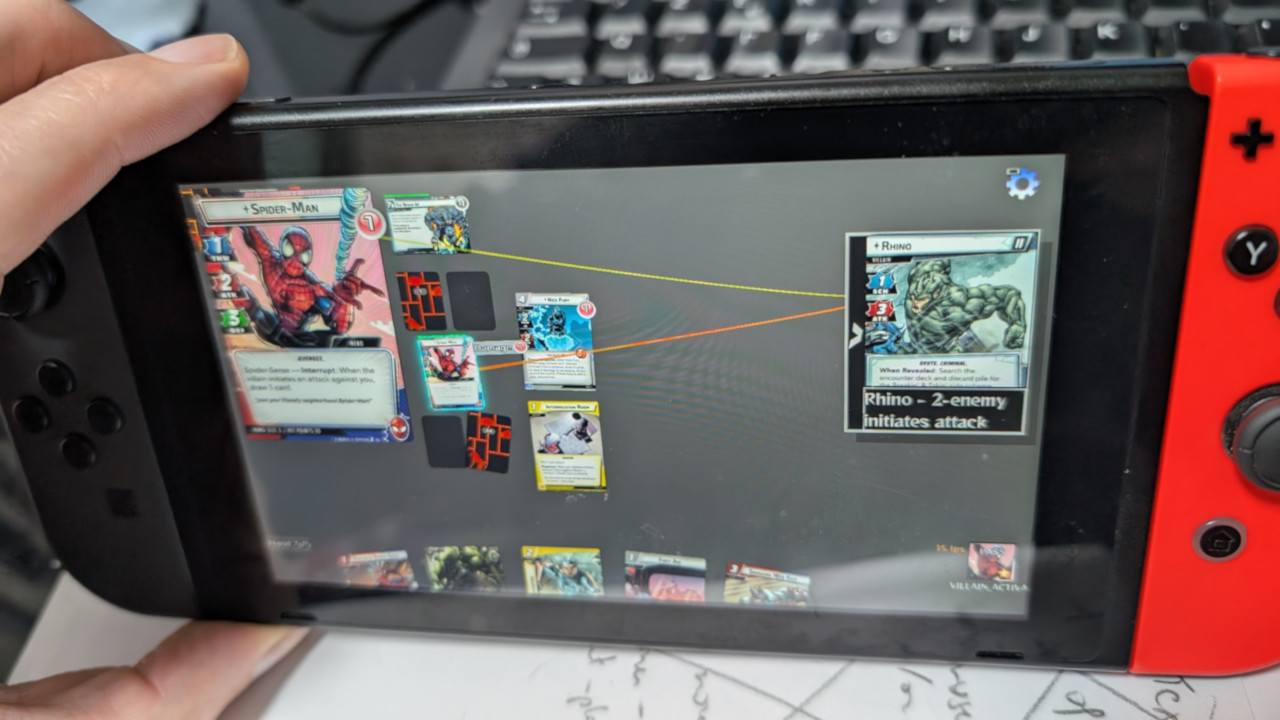
This phenomenon became the central obstacle for Warnel Chawpiovs, a homebrew card-based strategy game built using the Godot engine (specifically versions 3.5 and 3.6). Initially conceived and developed for personal computers, the game operated flawlessly in its native desktop environment. However, when compiled for a homebrew-enabled Nintendo Switch using the specialized Godot 3.5 homebrew port, the title suffered from a brutal performance penalty. It limped along at an unplayable 10 frames per second (FPS), plummeting to a staggering 1 FPS during computationally intensive sequences, while battle initiation induced agonizing 10-second freezes.
Faced with a choice between abandoning the port or diagnosing the underlying performance liabilities, the developer embarked on a rigorous optimization campaign. By systematically identifying structural inefficiencies, refining asset pipelines, and re-engineering how data flowed through the application, the framerate was elevated to a much more stable 20–25 FPS. This comprehensive case study explores the methodologies, insights, and practical engineering tricks discovered along the way—offering a blueprint for developers seeking to maximize Godot 2D performance on portable, constrained hardware.
Detailed Chronology: From 10 FPS Despair to Playable Reality
The development saga of bringing Warnel Chawpiovs to the Nintendo Switch unfolded in distinct phases, moving from initial shock to targeted, high-impact intervention.
Phase 1: The Out-of-the-Box Reality Check
When the developer first successfully cross-compiled the Godot project for the Nintendo Switch via the community-driven Homebrodot toolchain, the initial reaction was a mixture of triumph and dismay. Out of the box, the engine integration functioned surprisingly well; touch screen inputs mapped seamlessly to simulated mouse clicks, and the application launched without throwing fatal compilation errors.
Yet, the gameplay experience was profoundly broken. Running a seemingly straightforward 2D card game at 10 FPS made the title completely unresponsive. Entering a match triggered massive lag spikes as card assets loaded into memory, freezing the console interface for upwards of ten seconds.

Phase 2: Cherry-Picking the "Low-Hanging Fruit"
Rather than accepting the defeatist narrative that the Switch was simply "too underpowered" for a modern script-based engine, the developer instituted a triage approach. Because GDScript introduces inherent scripting overhead, minimizing unnecessary engine strain became paramount. Through targeted adjustments to resolution scaling, node management, and update loops, performance quickly climbed out of single-digit territory.
Phase 3: Mitigating the Illusion of Speed
Recognizing that absolute parity with PC framerates was unrealistic given the hardware constraints and engine limitations, the developer shifted focus toward UX mitigation and lazy evaluation strategies. By decoupling heavy GUI updates from the core render loop and improving gamepad navigation pathways, the game transformed from a stuttering mess into a genuinely playable, albeit imperfect, homebrew experience.
Supporting Context & Metrics: The Anatomy of Godot Optimization on the Switch
Optimizing a 2D game for a portable console requires a shift in mindset away from brute-force desktop processing toward meticulous resource management. Below is an in-depth breakdown of the core optimization strategies utilized during the Warnel Chawpiovs project.

1. The Dramatic Impact of Resolution Scaling
The single most disruptive performance bottleneck stemmed from resolution mismatch. The project was originally architected for a pristine 1920×1080 resolution. Because the Nintendo Switch natively supports 1080p output when docked, the console accepted the high-resolution render target without complaint—and promptly choked on the fill-rate demands.
By comparing the project against a lightweight template framework running smoothly at 720p, the developer identified the discrepancy. Forcing the game down to a 720p base resolution yielded an immediate, staggering gain of 7 to 10 FPS. Despite initial GUI design complexities in scaling layout nodes dynamically, this single architectural adjustment proved indispensable.
2. Strategic Caching vs. Computational Redundancy
In a complex card game, rules engines constantly evaluate game states—calculating valid targets, checking resource costs, and reading text dictionaries thousands of times per frame.

- String and Dictionary Caching: By implementing a simple wrapper around expensive text-parsing routines, redundant calculations were effectively eliminated. The cache achieved an astonishing 95% hit rate and remained valid throughout the entire match duration.
- Object Duplication Limits: Rather than instantiating fresh copies of complex card objects (complete with their hierarchical child nodes) every time a grid of cards needed to be displayed, each card now retains a single cached duplicate. This practice dramatically slashed garbage collection overhead and memory churn.
3. Scene Tree Pruning: Removing Inactive Nodes
Godot makes dynamic node creation effortless, but this convenience carries a heavy performance tax. In Warnel Chawpiovs, each card was represented as a Node2D packed with numerous child nodes handling graphical fronts, backs, icons, and text.
When hundreds of cards exist simultaneously in a game session—many sitting face-down in decks or off-screen—keeping them active in the scene tree forces the CPU and GPU to process hidden overhead. The golden rule established during this project is simple: if a node is not actively required for the current frame, remove it from the scene tree entirely. Retaining references in parent variables allows nodes to be re-added instantly when needed, combining the safety of caching with the lightweight performance of a lean scene tree.
4. Deconstructing the _process() Function
The _process() callback runs every single frame, making it a dangerous trap for developers seeking quick fixes. While utilizing _process() to continuously enforce component scaling or update visual states is tempting, it severely degrades performance on weak hardware.

The project addressed this by aggressively migrating logic away from per-frame execution:
- Event-Driven Architecture: Utilizing Godot’s signaling system replaced constant polling loops with reactive state updates.
- Process Throttling: For components that genuinely required continuous monitoring, a dynamic throttling system was introduced. By tracking real-time FPS thresholds, expensive GUI stat updates were skipped or deferred to every tenth frame when the system was under heavy load, protecting the frame rate at the minor expense of visual immediacy.
Technical Insights: Profiling Pitfalls and Asset Compression
The Illusion of the Profiler
Conventional wisdom in game development dictates that optimization must always begin with the profiler. While Godot’s built-in profiler successfully isolated a few algorithmic bottlenecks, its utility during Switch homebrew optimization revealed unexpected limitations.
Crucially, performance constraints on a mobile console architecture do not always mirror desktop profiles. For instance, the profiler offered zero insight into the crippling overhead of running a 1080p render target, nor did it flag certain high-frequency function calls whose frame usage registered deceptively as 0% due to asynchronous measurement quirks. Developers targeting homebrew platforms are advised to supplement profiler data by stress-testing builds on older, low-spec desktop hardware to surface similar CPU bottlenecks.

Texture Compression and Disk Footprint
Managing art assets is another critical frontier. Godot allows developers to import images as optimized textures tailored for specific use cases. Experiments with VRAM compression formats yielded surprising results: while they did not provide a noticeable boost to runtime framerates (confirming the game was fundamentally CPU-bound rather than fill-rate limited), they drastically reduced asset bloat. The total texture footprint for roughly 250 card assets plummeted from 50 MB of uncompressed PNG files down to just 5 MB of optimized VRAM textures, significantly shrinking the final build size without sacrificing visual fidelity.
Future Outlook
The optimization journey of Warnel Chawpiovs serves as an encouraging beacon for solo developers and homebrew enthusiasts working within the Godot ecosystem. Achieving a stable 20–25 FPS through disciplined asset management, resolution scaling, and intelligent tree pruning transformed a broken technical demo into an enjoyable, portable experience.
As the Godot engine continues to evolve—with ongoing community efforts refining homebrew toolchains for Nintendo hardware—the gap between desktop prototyping and console deployment is steadily narrowing. For developers willing to look beyond standard engine defaults and rigorously interrogate their codebases, the Nintendo Switch remains a viable, rewarding platform for unique 2D indie experiences.